Belfast Car Hire with Sat Nav
Satellite navigation can make driving in an unfamiliar city far less stressful. Here is how navigation is normally supplied with a hire car in Belfast, what to confirm at collection, and when a phone works just as well.
Drivers booking Belfast car hire often want to know whether satellite navigation comes as standard. It varies between vehicles and booking types, but in-car navigation is commonly available either as an optional extra or as part of a higher specification model. Deciding before you travel whether you need it is more useful than discovering at the counter that the car has no map screen.
How in-car navigation is normally supplied
Most navigation systems in hire cars are factory-fitted units built into the dashboard, controlled through a touchscreen or a dial. Some suppliers instead lend a portable unit that clips to the windscreen, which is more common on smaller or older vehicles. Either way, the maps are usually preloaded for the United Kingdom and Ireland, but it is worth confirming coverage if your plans include crossing the border into the Republic, as some basic systems only hold data for one country.
Entering a destination also differs from what some visitors expect. United Kingdom postcodes are detailed enough to take you to a specific street, while addresses in the Republic rely on townland, street and town names, so having the full address written down saves a lot of tapping at the roadside.
Why it helps around the city
Belfast has a dense one-way system in the centre, plus bus lanes and turning restrictions that are not always obvious to someone reading signs for the first time. A navigation screen showing lane guidance at complex junctions reduces the chance of a last-minute swerve. It is also handy on the approach roads into the city, where several routes converge and the correct lane matters.
Navigation is a guide, not a substitute for observation. Temporary roadworks, diversions and new layouts can appear before maps are updated, so physical signs and road markings always take priority.
What to check before driving away
Ask for a short demonstration at collection, even if you have used similar systems before, because menus and voice settings differ. Confirm the map region is correct, check that the unit or screen responds, and make sure any portable device has its cable and mount. If you are borrowing a detachable unit, remember it usually has to be returned with the car, so it should not be left in the glovebox at the end of the rental.
Using a phone instead of sat nav
Plenty of drivers now rely on mapping apps on their own phone, which can be more current than a built-in system. This works well provided you bring a mount, keep the device charged via the car's socket, and either have enough data or download the relevant maps in advance. Mobile coverage becomes patchy on rural routes in the Glens or across parts of County Down, so offline maps are a sensible precaution. Whatever you use, position the device so it does not obstruct your view of the road.
Beyond the city, navigation earns its place on cross-country journeys where signposts point to small towns rather than destinations. If you plan a day trip along the coast or into the Sperrins, having the route visible on screen makes it easier to concentrate on narrow lanes and passing places rather than memorising directions.
Related content

First-Time Car Hire Tips in Belfast
Practical preparation for your first Belfast rental.
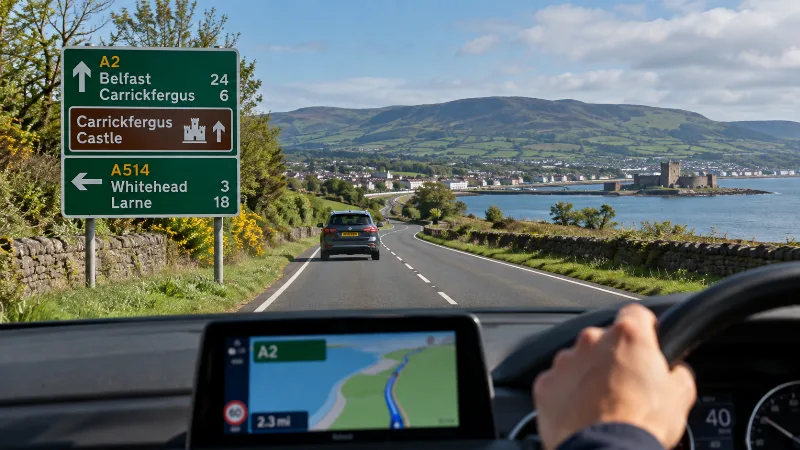
Road Signs and Navigation in Northern Ireland
Recognise local signage and use navigation without losing attention.

Belfast International Airport Car Hire
A guide to car rental collection and return planning at Belfast International Airport.
Belfast Car Hire for a Week: Long-Term Rental
Booking a car for seven days in Belfast involves more than comparing the headline rate. Mileage allowances, fuel terms and collection times all shape what a weekly hire actually costs.

Belfast in 3 Days
Plan three days in Belfast with time for city districts, local history and a flexible excursion.
Parking Restrictions for Hire Cars in Belfast City Centre
Belfast city centre is tightly controlled when it comes to parking, and hire car drivers need to know how the zones, lines and notices work before they arrive. A little preparation avoids fines and a lot of circling.
Belfast Car Hire for a Weekend
Hiring a car from Friday to Monday suits a short break, but collection and return times decide what you actually pay for. Here is how the timings usually work.
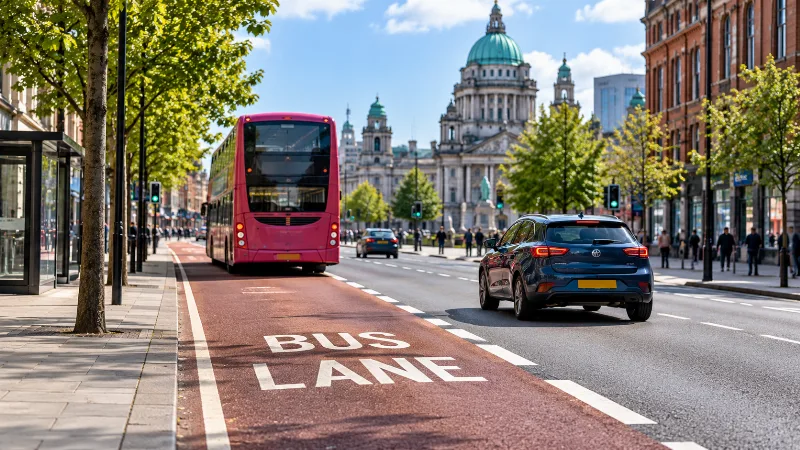
Understanding Bus Lanes in Belfast
How Belfast bus lanes work, why operating times vary and what private car drivers should check on signs.